How Long Does It Take to Receive Crypto After Paying with PayPal?
Key Takeaways:Paying with PayPal on Paybis takes under 15 minutes total: PayPal typically authorizes your payment in seconds, identity verification completes in 2-5 minutes for new users, and blockchain settlement runs 1-30 minutes depending on network activity. We show the full cost (service fee starting from 1.49%, processing fee 4.5-8.5%, and network fee) before you confirm. We’re FinCEN-registered (US Money Services Business), FINTRAC-registered (Canadian Money Services Business), and PCI DSS Level 1 compliant, serve 5M+ users across 180+ countries, and have over 30,700+ Trustpilot reviews with a 4.1+ star rating.
Buying crypto with PayPal involves three separate clocks: payment processing, identity verification, and blockchain settlement. PayPal authorizes your money in seconds, but getting cryptocurrency into your wallet depends entirely on the platform you choose and the blockchain network carrying the transaction. Here is the exact breakdown of every stage, what slows things down, and how to complete the whole process in under 15 minutes.
Table of contents
- The Short Answer: PayPal Crypto Transaction Times
- Payment Processing vs. Blockchain Settlement
- Buying Crypto Using PayPal on Third-Party Platforms
- Buying and Selling Crypto Directly on PayPal
- The Real Cost of Buying Crypto with PayPal
- How to Track Your Crypto Transaction
- Get Your Crypto Today
- Key Terminology
The Short Answer: PayPal Crypto Transaction Times
| Stage | Typical Time |
|---|---|
| PayPal payment authorization | Seconds (nearly instant) |
| Identity verification (new users) | 2–5 minutes (automatic approval) |
| Platform order processing | 10–20 minutes |
| Blockchain settlement | 1–30 minutes (depends on network) |
| Total: account creation to crypto in wallet | Under 15 minutes |
When we handle verification automatically, and you’re paying with PayPal, owning Bitcoin today is realistic. Coinbase takes 3-5 days for bank transfers to clear. That’s not a timeline problem; it’s a platform choice problem.
Payment Processing vs. Blockchain Settlement
“Instant” is the word every crypto platform uses. But instant payment processing and instant crypto delivery are two different things, and mixing them up is the main source of confusion when your wallet looks empty 10 minutes after you paid.
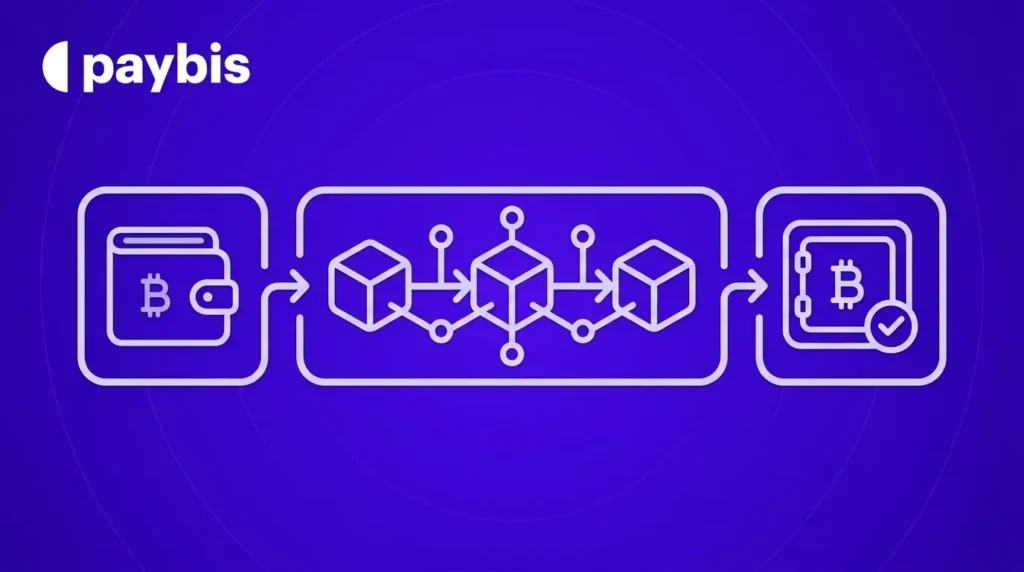
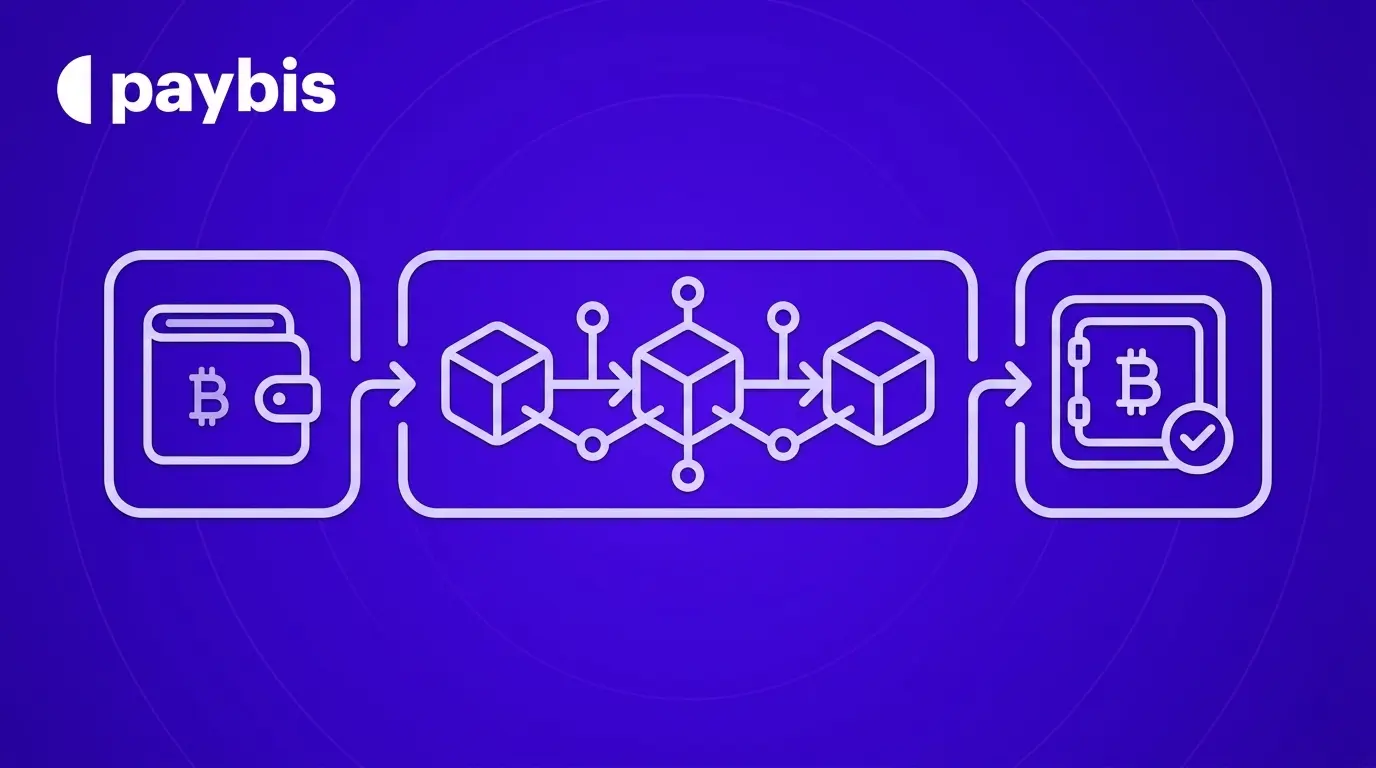
Payment processing is the platform’s side of the equation. PayPal confirms the authorization, we verify your identity and approve the order, and the transaction moves to the broadcast stage. This part happens in seconds on a platform built for speed.
Blockchain settlement is what happens after that. The crypto network (Bitcoin, Ethereum, or whichever coin you’re buying) needs to record and confirm the transaction on its distributed ledger. No platform controls this clock.
Why Blockchain Confirmations Take Time
Bitcoin processes roughly 7 transactions per second globally, as our Bitcoin Lightning Network guide explains. When network traffic is high, miners prioritize transactions with higher fees, so yours may wait in the mempool (the pending transaction queue) slightly longer. Under normal conditions, Bitcoin confirms in 10 to 30 minutes. Ethereum typically confirms in 1 to 5 minutes. Stablecoins on faster networks can settle in under 2 minutes.
No platform can override this. Any service claiming “instant blockchain delivery” is describing the payment gateway step, not the network confirmation.
Buying Crypto Using PayPal on Third-Party Platforms
Using a dedicated crypto gateway like Paybis with PayPal as your payment method gives you access to 90+ cryptocurrencies across 180+ countries. The total process runs under 15 minutes for first-time buyers when verification is automatic.
“Paybis is fast, accurate, exact to quote, offer promotions, offer paybis or external address, clean, simple interface and provide email processing updates. Bravo!” – G. Cham on Trustpilot
Watch the full flow in the Paybis PayPal buying guide before you start.
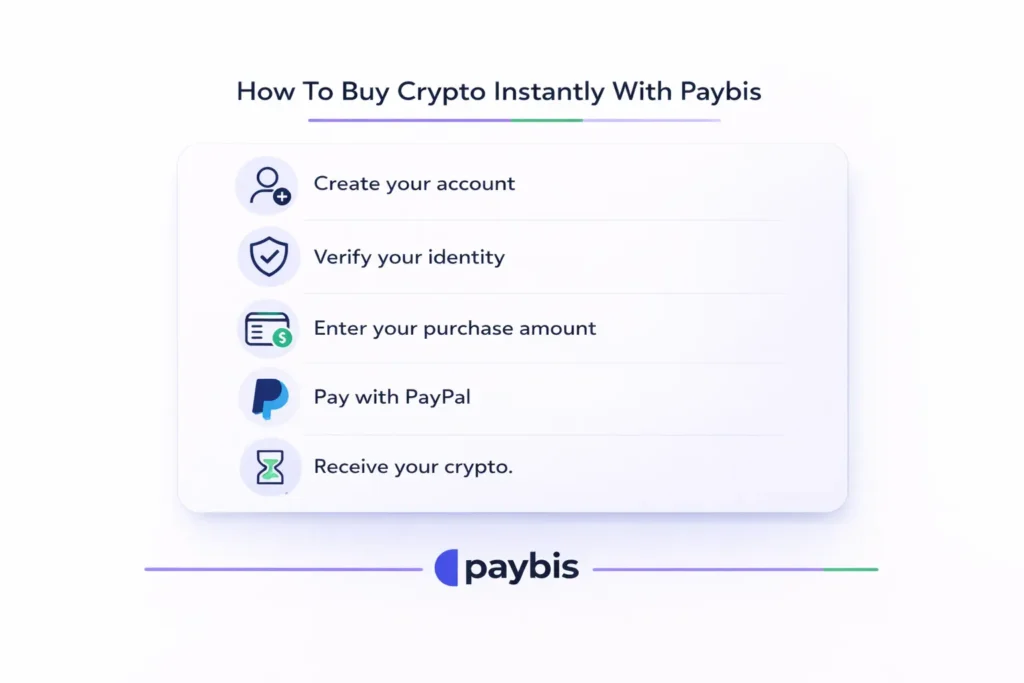
The 4-Step Process to Get Bitcoin in 15 Minutes
Here’s how the full process works from a fresh account:
- Select your amount: Go to paybis.com and enter how much you want to spend. We instantly show you the crypto amount you’ll receive and the full fee breakdown, including service, processing, and network fees, before you proceed. See our crypto calculator walkthrough for exactly what this looks like.
- Verify your identity: Upload a photo of your government-issued ID and take a selfie. Automated checks are complete in 2-5 minutes for most users, as detailed in our account creation guide. This step only happens once.
- Pay with PayPal: Choose PayPal at checkout, log in, and authorize the payment. Our PayPal payment guide walks through each screen.
- Receive your crypto: We process your order and broadcast the transaction to the blockchain. Settlement is near-instant, depending on the network. You can send to your own external wallet address or keep it in your Paybis Wallet.
Identity Verification Speeds and Manual Reviews
Automatic approval typically happens when your photo ID is clear and your selfie matches your document. The Coin Bureau Paybis review confirms this automated process as one of our recognized speed advantages.
In some cases, we flag a transaction for manual review, which can extend processing time up to 24 hours. We’ll email you if we need additional information. If we reject a transaction for compliance or security reasons, your funds return to your original payment method. You’re not charged, and you can contact our 24/7 live chat for guidance on next steps.
“Paybis offers transactions in a quick and easy format with thorough security measures. I’ve been using their app for quite some time and have had no issues.” – Amanda Stringfellow on Trustpilot
Buying and Selling Crypto Directly on PayPal
Buying crypto inside the PayPal app is a different experience from using PayPal as a payment method on Paybis. When you sell crypto directly inside PayPal, proceeds appear in your PayPal balance within seconds. The significant limitation is selection: PayPal’s native service currently supports only Bitcoin, Ethereum, and a small number of additional coins. Withdrawal to external wallets may require extra verification and may not be available in all regions.
Using PayPal on Paybis instead gives you access to 90+ cryptocurrencies and full withdrawal rights to any external wallet address from the start, with no added account tiers required.
The Real Cost of Buying Crypto with PayPal
Speed is only half the equation. Surprise fees are the other reason buyers abandon transactions mid-flow. We show the full cost before you confirm, not after.
Service, Processing, and Network Fees
Here’s a transparent breakdown for a $500 Bitcoin purchase using PayPal on Paybis:
| Fee Type | Amount | Who Controls It |
|---|---|---|
| Service Fee | $2.45 (1.49%, first transaction: $0) | Paybis |
| Processing Fee | $22.50 – $42.50 (4.5–8.5%, varies by currency) | Paybis |
| Network Fee | ~$1.50 – $5.00 (varies by Bitcoin congestion) | Bitcoin miners |
| Total charged | ~$526 to $550 |
Your first PayPal transaction carries a $0 Paybis service fee. The service and processing fees are set by us. The network fee fluctuates based on how busy the Bitcoin blockchain is at the moment of your transaction, and we display the live estimate before you confirm. The 99Bitcoins Paybis review specifically calls out fee transparency as a distinguishing factor for first-time buyers.
![Paybis checkout screen showing transparent fee breakdown for a PayPal Bitcoin purchase including service, processing, and network fees][image_paybis_checkout_fee_breakdown]
“What stands out to me most about Paybis is the remarkable speed and smoothness of the crypto-buying process… The platform itself is clean, user-friendly, and always dependable, making each transaction feel truly effortless.” – Egor N. on G2
How to Track Your Crypto Transaction
If your crypto hasn’t arrived after 30 minutes, don’t assume it’s lost. After we process your order, you receive a transaction hash (also called a TxID), which is a unique string of letters and numbers identifying your specific transfer on the blockchain. Think of it as a tracking number for your crypto.
Copy the hash from your Paybis dashboard or confirmation email, then paste it into a blockchain explorer: for Bitcoin, use blockchain.com, and for Ethereum, use etherscan.io. The explorer shows your transaction status, confirmation count, and destination address. If the transaction shows “confirmed” but your wallet balance hasn’t updated, contact your wallet provider directly.
Always verify your wallet address before sending. Our transfer warnings guide explains that crypto sent to the wrong address cannot be reversed. For anything stored in your Paybis Wallet, review transfer details in the Paybis Send help section.
Get Your Crypto Today
Buying crypto with PayPal doesn’t have to be a waiting game. Our process takes under 15 minutes from a fresh account: 2-5 minutes for identity verification, seconds for PayPal authorization, and 1-30 minutes for blockchain settlement depending on the network.
We’re FinCEN-registered (US entity 31000272911973), FINTRAC-registered, and PCI DSS Level 1 compliant, with no security breaches since 2014. More than 5M retail users have completed transactions across 180+ countries, and if something goes wrong, our 24/7 live chat responds in an average of 1-2 minutes.
“Excellent platform. No complicated pathways to implementation of asset movement. Extremely reliable, quick & straight forward format… Support actually responds & is extremely courteous.” – Kevin Ashley on Trustpilot
Ready to buy? Create a Paybis account, complete identity verification, and see your exact total cost at checkout before you confirm. Your first transaction has a $0 service fee.
Key Terminology
Blockchain confirmation: The process by which a network of computers verifies and permanently records your transaction on the distributed ledger. Bitcoin typically requires 1 to 3 confirmations, taking 10 to 30 minutes under normal conditions.
Network fee: The cost paid to Bitcoin miners (or validators on other blockchains) to process and confirm your transaction. This fee is not set by Paybis and fluctuates based on how many transactions are competing for the next block.
Transaction hash (TxID): A unique alphanumeric identifier assigned to every blockchain transaction, similar to a tracking number. Paste it into a blockchain explorer to check your transaction’s status and confirmation count.
KYC (Know Your Customer): The identity verification process of uploading a government-issued ID and a selfie so we can confirm your identity, as required by financial regulations in most countries. We complete this automatically in 2-5 minutes for most users.
FAQ
Is PayPal crypto delivery instant?
PayPal’s payment authorization happens in seconds, but blockchain settlement takes 1 to 30 minutes depending on network activity. On Paybis, the total process from account creation to crypto in wallet takes under 15 minutes for most first-time buyers.
What are the fees for buying $500 of Bitcoin with PayPal on Paybis?
Total cost runs approximately $531 to $555: a service fee of $7.45 (1.49%, waived on your first transaction), a processing fee of $22.50 to $42.50 (4.5-8.5% depending on currency), and a network fee of roughly $1.50 to $5.00 set by Bitcoin miners, not Paybis.
Does PayPal's 21-day hold affect crypto purchases on Paybis?
Typically not. The 21-day hold generally applies to sellers receiving merchant payments for goods and services. When you buy crypto on Paybis using PayPal, you’re the buyer making a payment to an established merchant, and based on standard PayPal policies, the hold typically doesn’t apply to buyer purchases.
What happens if my transaction is rejected?
Your funds return to your original PayPal account and you’re not charged. We reject transactions for compliance and security reasons. Contact our 24/7 live chat for an explanation and to try again.
Can I send my crypto to an external wallet after buying on Paybis?
Yes. After purchase, you can transfer to any external wallet address. The Paybis Bitcoin sending guide walks through this step by step, and our external wallet deposit guide covers the full process.
Disclaimer: Don’t invest unless you’re prepared to lose all the money you invest. This is a high‑risk investment and you should not expect to be protected if something goes wrong. Take 2 mins to learn more at: https://go.payb.is/FCA-Info